Create a new scene of type ‘Control‘.
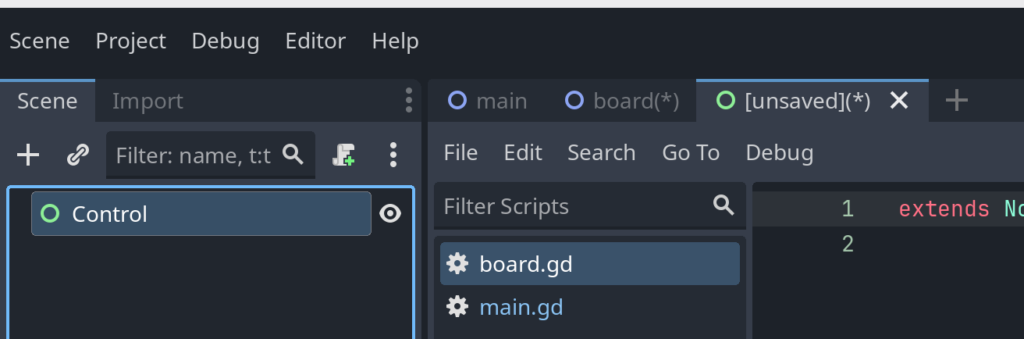
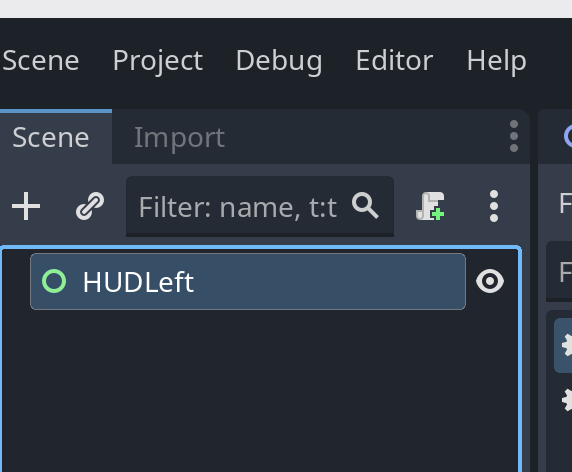
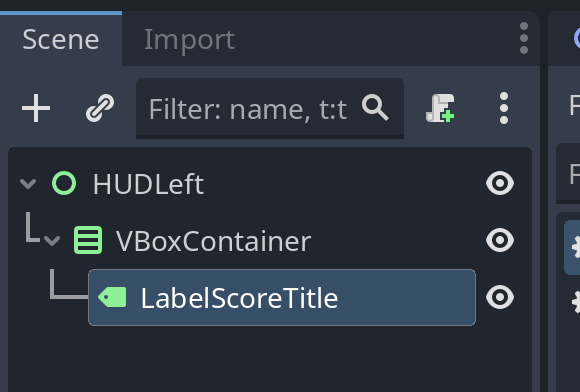
Rename the ‘Control‘ node to ‘HUDLeft’.
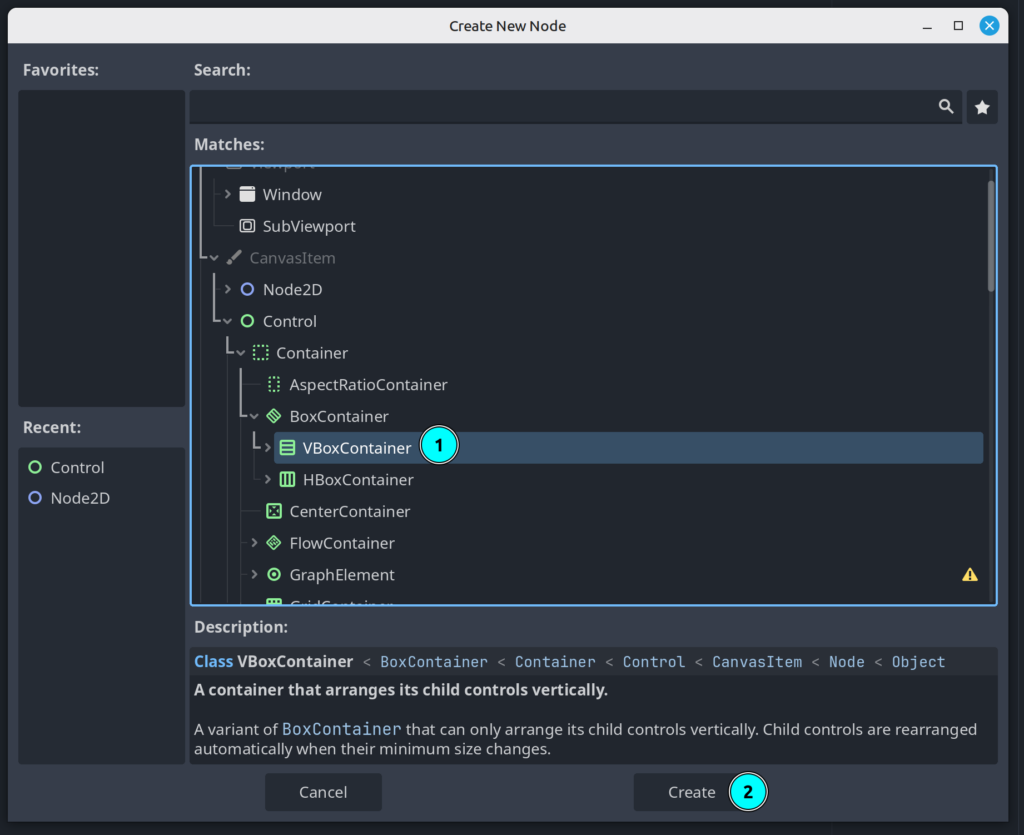
Add a ‘VBoxContainer‘ to ‘HUDLeft‘.
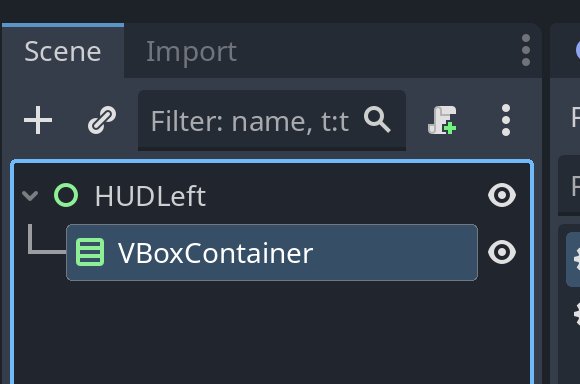
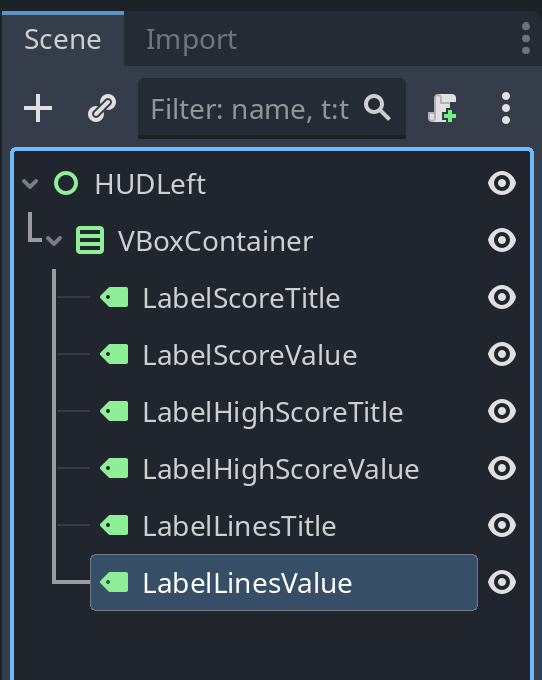
Now add the following controls to the ‘VBoxContainer‘
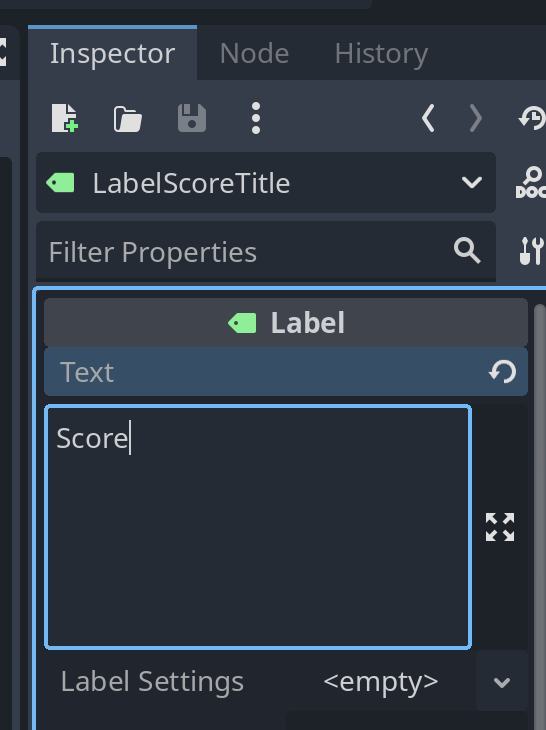
- Controls -> Label
- Rename to ‘LabelScoreTitle
- Set ‘Text’ property to ‘Score’
- Rename to ‘LabelScoreTitle
- Controls -> Label
- Rename to ‘LabelScoreValue’
- Set ‘Text’ property to ‘0’
- Rename to ‘LabelScoreValue’
- Controls -> Label
- Rename to ‘LabelHighScoreTitle’
- Set ‘Text’ property to ‘Highscore’
- Rename to ‘LabelHighScoreTitle’
- Controls -> Label
- Rename to ‘LabelHighScoreValue’
- Set ‘Text’ property to ‘0’
- Rename to ‘LabelHighScoreValue’
- Controls -> Label
- Rename to ‘LabelLinesTitle’
- Set ‘Text’ property to ‘Lines’
- Rename to ‘LabelLinesTitle’
- Controls -> Label
- Rename to ‘LabelLinesValue’
- Set ‘Text’ property to ‘0’
- Rename to ‘LabelLinesValue’
Layout
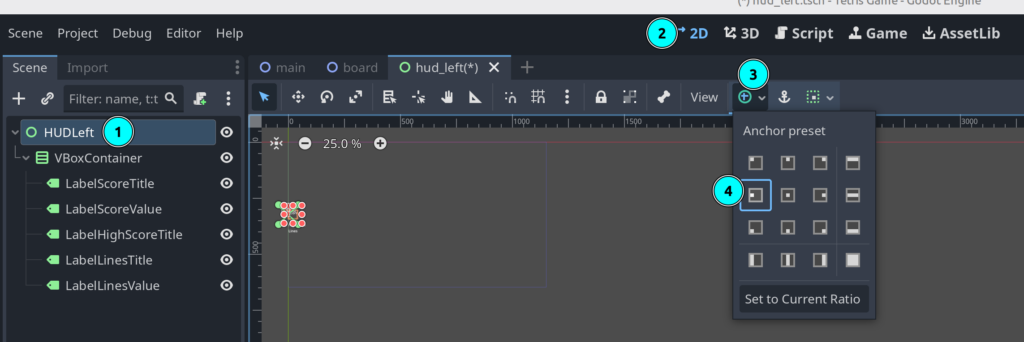
Select the ‘HUDLeft‘ node and set the layout to ‘Center Left‘:
Save the scene as ‘hud_left.tscn’
Open the ‘main.tscn‘ scene.
Right-click ‘GameRoot‘ node and select ‘Instantiate Child Scene…‘ – Select ‘hud_left.tscn‘.
At this point, our ‘main.tscn‘ should look like this.
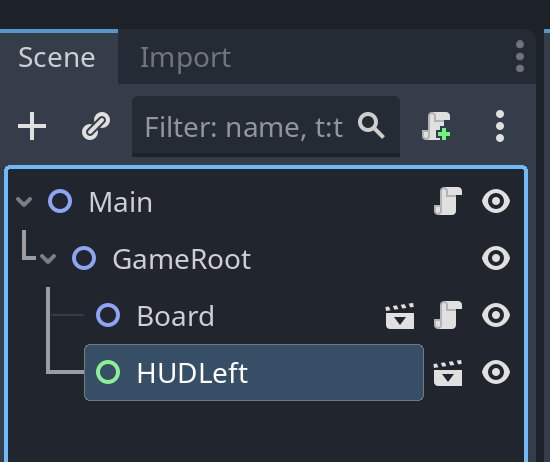
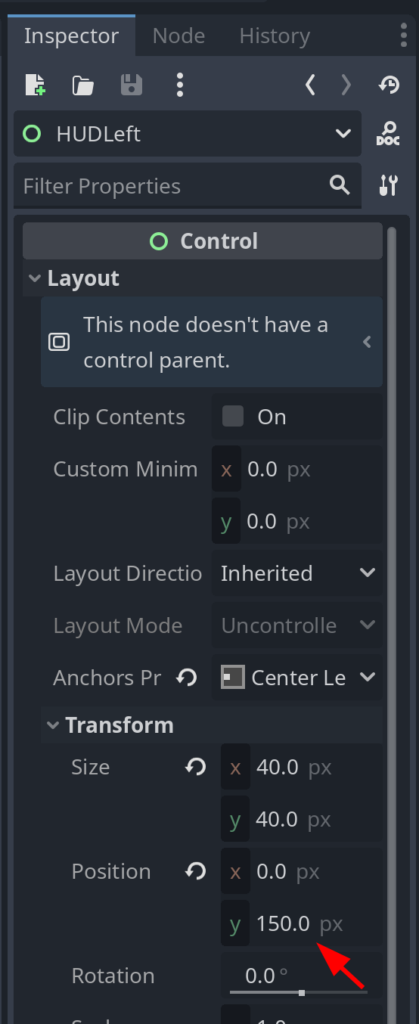
Now, with ‘HUDLeft‘ selected, adjust Layout.Transform.Position.y to 150.0
Save ‘main.tscn‘.
Leave a Reply